.png)
SHARE


One codebase. One design. Web and mobile. Let’s do this.
Let me be blunt—most low-code platforms talk a big game about cross-platform development, but when it comes to building a truly shared experience across web and mobile, they fall short. Either you end up duplicating work, fighting the platform, or giving up and hard-coding your way out.
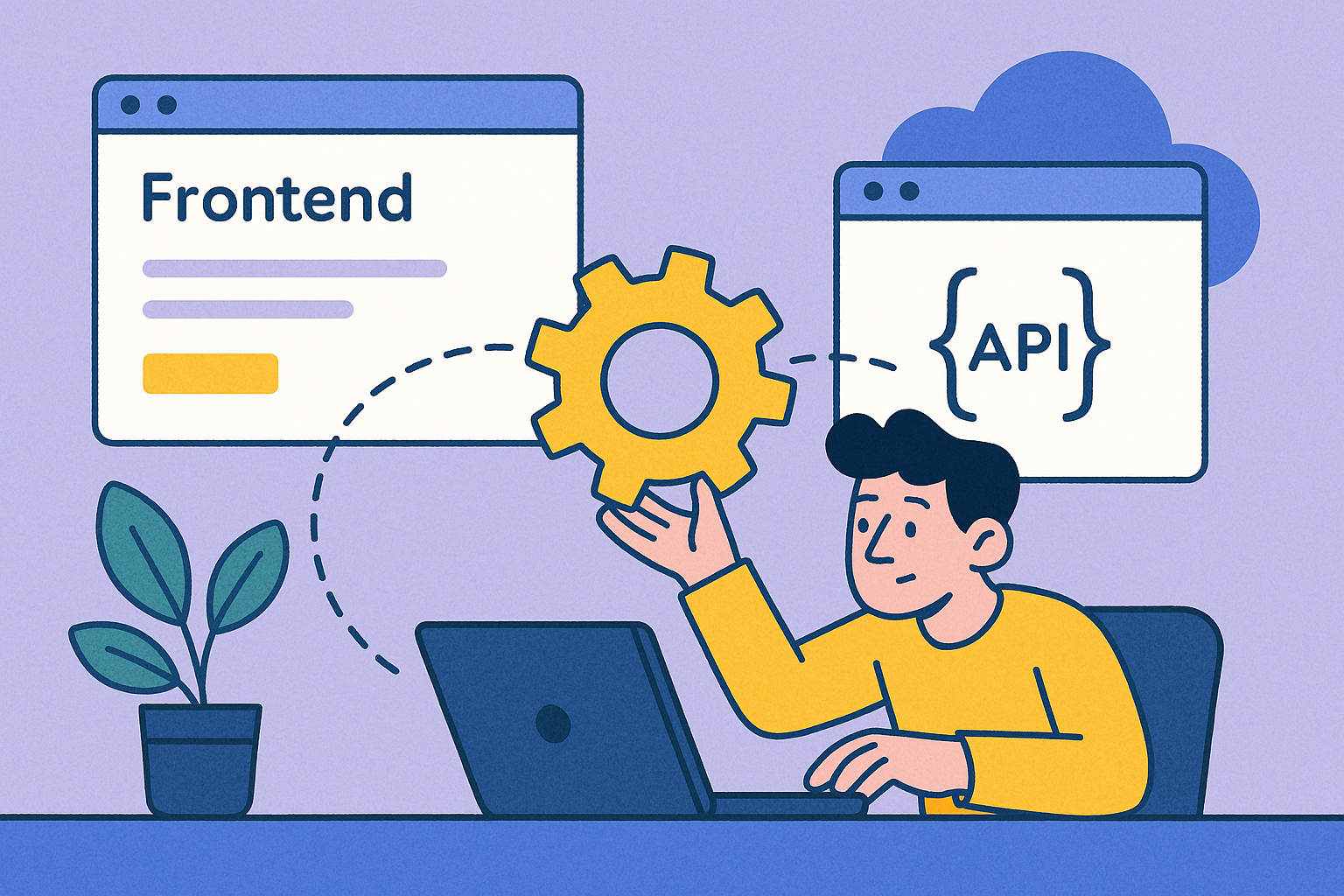
That’s why I use Bellini. It’s API-first, developer-centric, and actually lets me build serious business apps without cutting corners. And today, I’m going to walk you through how I use Bellini to build a native mobile app that shares logic and components with a web app—all in the same project.
No fluff. Just real steps, real code, and real productivity.
Rule #1 when working in Bellini: start with the APIs.
I pulled my APIs in from Martini, Lonti’s API integration and automation tool. If you haven’t used Martini yet, here’s the short version: it makes creating, consuming, and orchestrating APIs ridiculously simple—visually or with code, your choice.
Once my APIs were live (customer lookup, order management, notifications), I imported them directly into Bellini with just a few clicks. No SDKs, no wrangling. Bellini auto-generates bindings for everything, so I can drag an input onto a screen and bind it to a live endpoint instantly.
Here’s the fun part. Bellini’s component system is fully reusable across web and mobile. I started with a shared component library for:
I styled these using Bellini’s visual editor + custom CSS for my brand theme. Once done, I dropped them into a web layout (responsive grid, multi-column) and a mobile layout (stacked views, swipeable tabs). Same components. Different screen strategies. No duplication.
Switching between views is seamless. There’s a toggle in Bellini to preview mobile vs desktop behavior—and yes, you can simulate interactions too. Need to override styles or logic for mobile? You can, but only if you want to.
Low code doesn’t mean no logic. Bellini gives you visual logic flows, but it also lets you inject JavaScript wherever you need more control. I added a debounce to an API call on search input. Wrote a quick formatter for currency. Hooked into device APIs for native notifications.
And get this—Bellini even supports lifecycle events like onInit, onDestroy, and custom triggers. You’re not locked into a toy environment. It feels like React with superpowers.
Once I was happy with my screens, I ran the app in the built-in previewer, tested both mobile and desktop behavior, and did a round of tweaks. Bellini makes it easy to deploy web versions immediately—and for mobile, you can export to native wrappers or integrate with your build pipeline.
I pushed the app to staging and passed it around. No bugs, no surprises. Just clean, consistent functionality—everywhere.
I’ve built cross-platform apps in a lot of tools—React Native, Ionic, even a few drag-and-drop nightmares I won’t name. Bellini is different. It respects developers, makes APIs first-class citizens, and treats mobile as part of the app—not an afterthought.
If you’re serious about building mobile apps that share real logic, real components, and real integrations with your web apps, give Bellini a try.