
.png)
Event processing
Build event-driven integrations with Martini. Receive webhooks, connect to message brokers, publish and consume messages, and trigger workflows when events happen across your systems.
Martini helps developers automate real-time and asynchronous processes without separating event handling from the rest of their integration logic.


Apache ActiveMQ

Apache Kafka

AWS SQS

RabbitMQ

Redis Pub/Sub

Webhooks
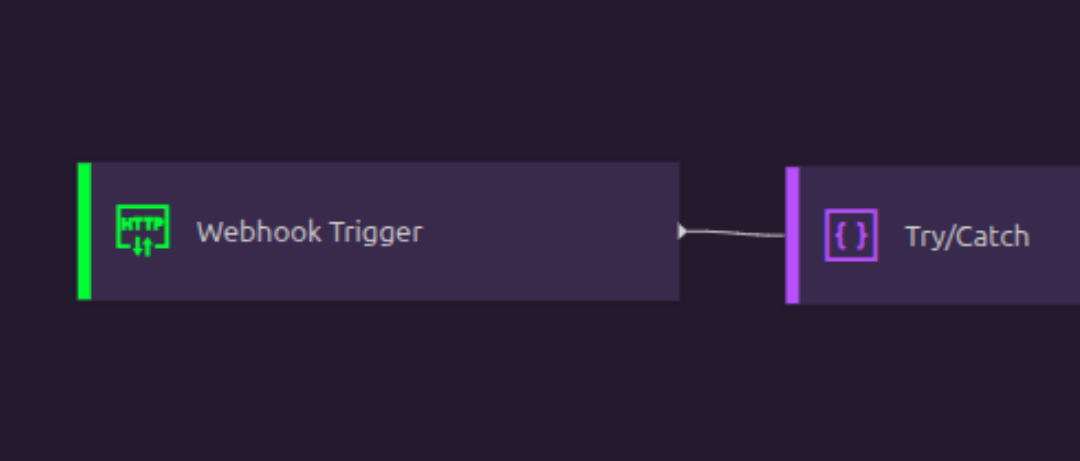
Webhooks
Process webhooks from external systems using the approach that fits your application. Trigger a workflow from a webhook, expose a REST API endpoint, or route webhook data into a larger automation.
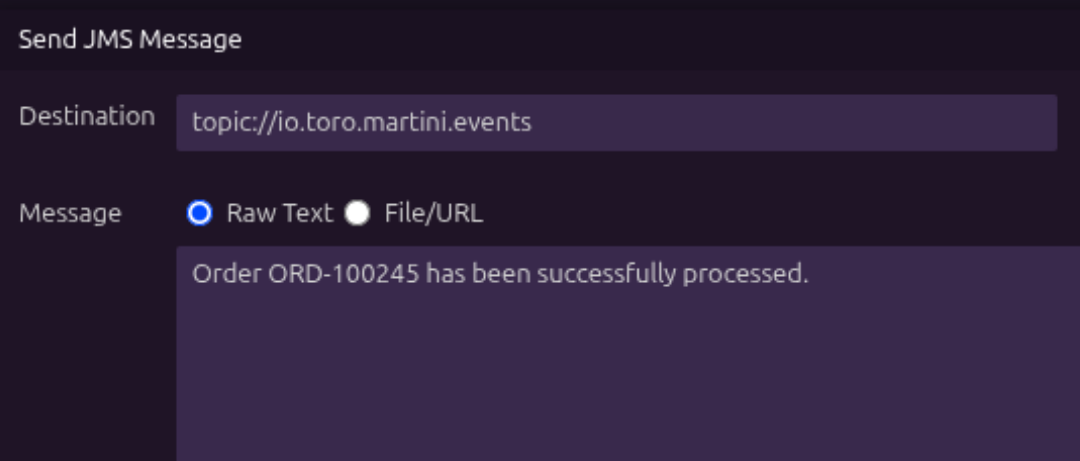
JMS messaging
Work with JMS-based messaging systems from Martini. Send, receive, and process messages as part of integrations that rely on enterprise messaging infrastructure.
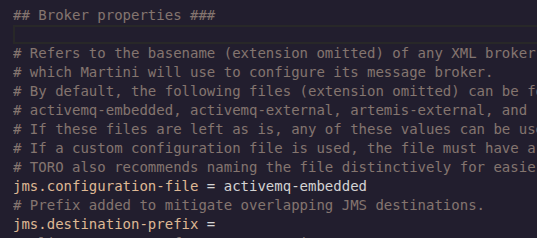
Message broker connections
Connect Martini to message brokers used across your architecture. Configure connections once, then use them in workflows, triggers, services, and event-driven processes.

JMS triggers
Start workflows when JMS messages are received. Use JMS triggers to react to events automatically and process messages as part of a larger business flow.

SQS integration
Connect to Amazon SQS to send, receive, and process queue messages. Use SQS events to trigger automations and integrate cloud-native systems with the rest of your architecture.
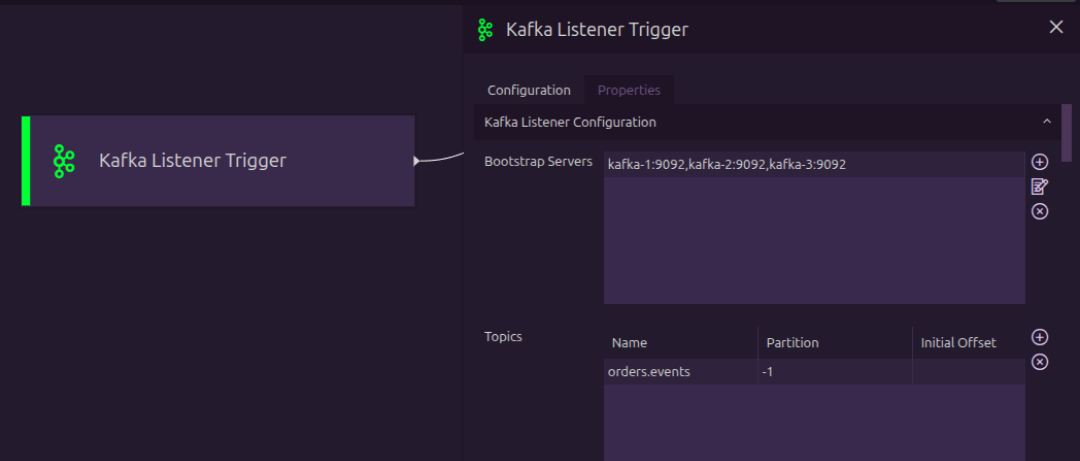
Kafka integration
Publish and consume Kafka messages from Martini. Use Kafka integration to connect event streams with workflows, APIs, services, and downstream systems.

Redis Pub/Sub
Use Redis Pub/Sub for lightweight publish and subscribe messaging. Trigger processes or exchange messages between systems that use Redis for event distribution.
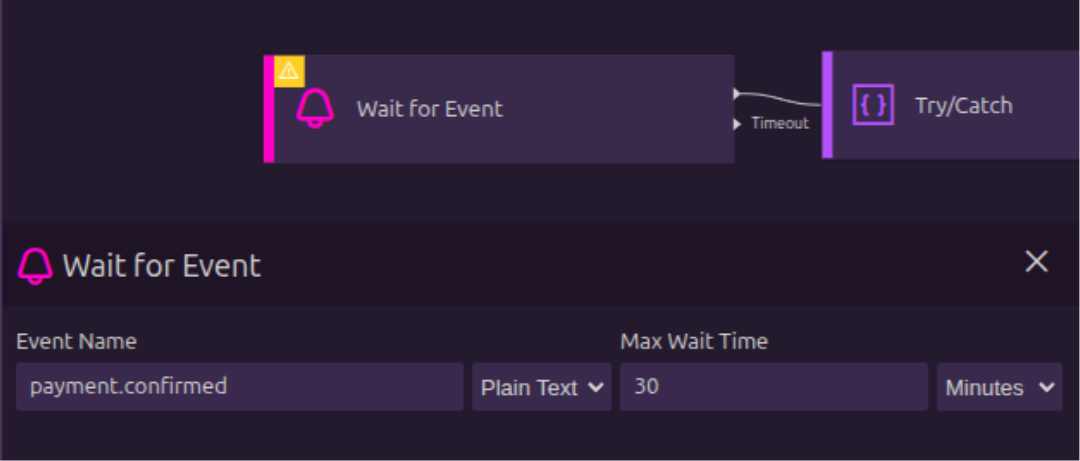
Publish and consume events
Build processes that both react to incoming events and publish new events to other systems. Use Martini to coordinate event-driven work across APIs, databases, queues, files, and services.

Event monitoring and logging
Track event activity as messages are received, processed, published, or retried. Use logs to understand what happened and troubleshoot event-driven processes.
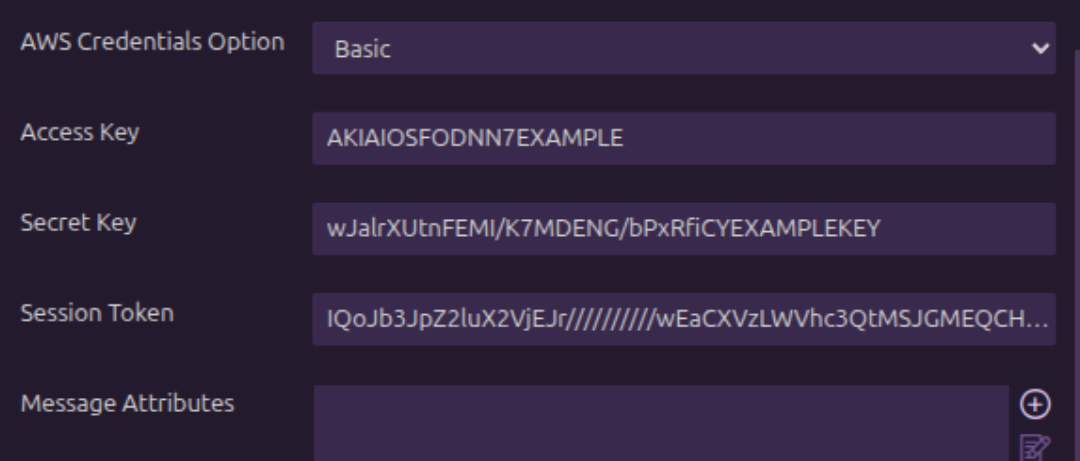
Event security
Secure event connections and processing flows. Configure credentials, permissions, and connection settings so events are handled safely across systems.

Error handling and debugging
Debug event-driven processes and handle failures when messages cannot be processed. Build workflows that route errors, retry work, or record failures for later review.