
.png)
Manifest design
Design deployable data model definitions with Negroni manifests. A manifest groups related entities into a single business domain, defines the relationships and metadata around them, and stores the build configuration used to export APIs, services, and database schemas from that model.


Manifest editor
Create and manage manifests in the Project Navigator. Add entities, define relationships, review manifest metadata, and configure build settings before generating implementation assets.
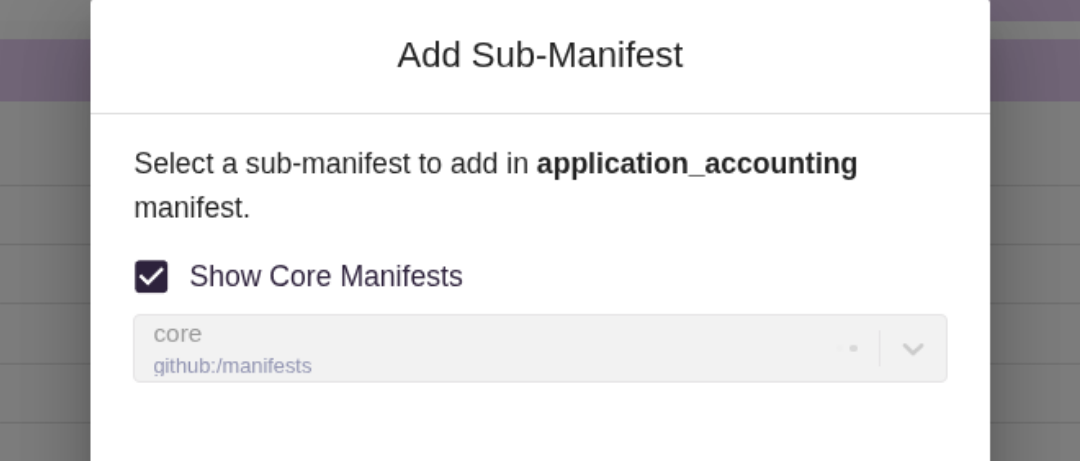
CDM Library Manifests
Start from CDM Library manifests — pre-built manifest templates from third-party CDM libraries and Negroni's standard library. Add one as a sub-manifest to bring its entities into your model, or copy entities out as exclusive entities to edit locally.

Custom manifests
Create custom manifests when you need full control over a data model's structure — choosing exactly which entities, attributes, and relationships it contains, and configuring its own API, database, and service settings.

Duplicate an Existing Manifest
Use an existing manifest as the starting point for a new one. Duplicating copies its entity structure and build configuration into an independent manifest that you can modify without affecting the original.

Extend Manifests with Sub-Manifests
Extend a manifest by adding another manifest — a CDM Library manifest or one of your own custom manifests — as a sub-manifest. This composes hierarchical models from reusable building blocks while keeping each manifest's own entities intact.
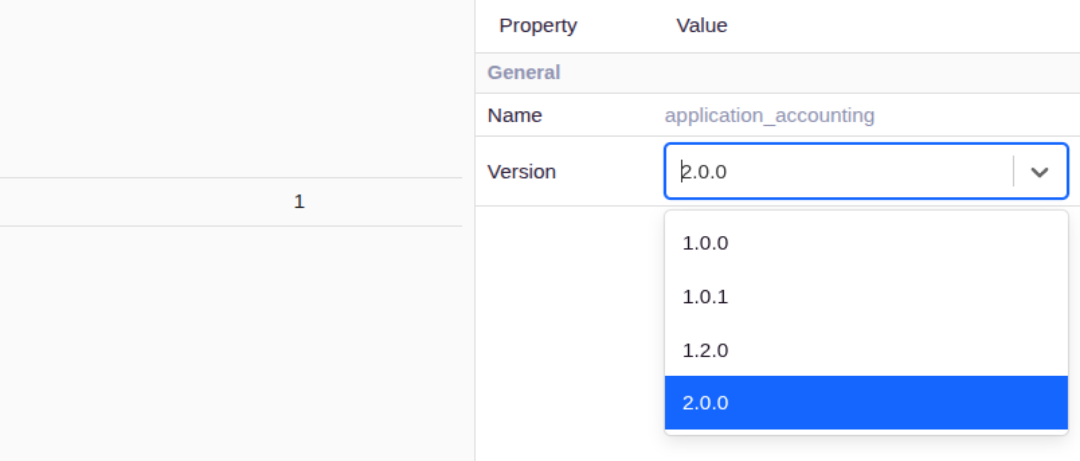
Manifest metadata
Every manifest carries metadata — description, version history, and custom properties — that documents what the model represents and how it should be used, independent of the entities it contains.
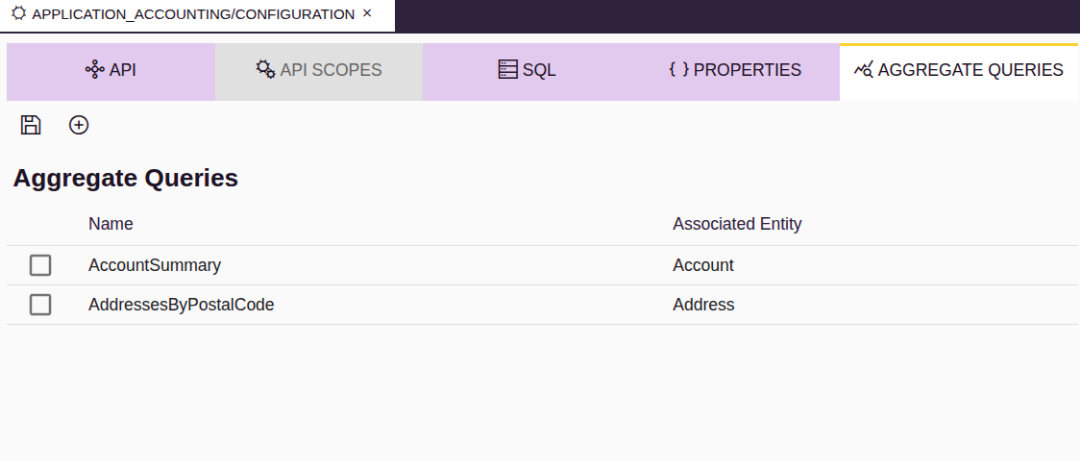
Aggregate Query Configuration
Define aggregate queries — such as counts, sums, or averages over a related entity's attributes — as part of a manifest's build configuration, so generated services can expose summarized data alongside standard CRUD operations.

API Security Type Configuration
Choose the security type for a manifest's generated API as part of its build configuration, so the API Negroni generates matches how your Martini environment expects incoming requests to be authenticated.

Audit Logs
Every manifest and entity keeps a chronological audit trail — who changed what, and when — covering creation, attribute and relationship changes, and metadata updates, for traceability and governance.