
.png)
Entity modelling
Define the business objects that make up your data model. Use Negroni's entity editor to create, extend, and manage entities — with attributes, relationships, and version history — before they're used to generate schemas, APIs, and services.

Entity editor
Create and refine entities in Negroni's entity editor. Define attributes, relationships, and metadata for each business object, and see inherited attributes separately from your own custom fields.
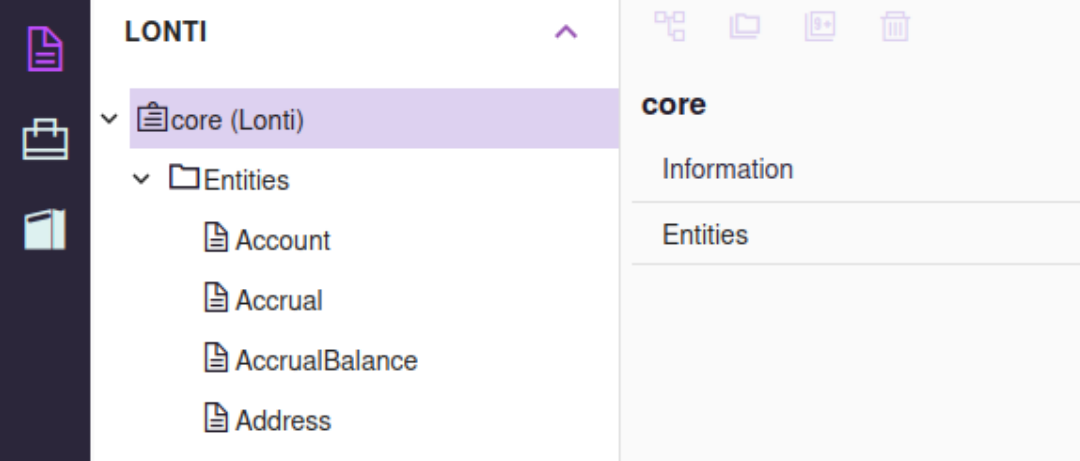
Core entities
Start from core entities sourced from third-party CDM libraries and Negroni's standard library — pre-built definitions for common business concepts like account, contact, order, and product, ready to use or extend.

Custom entities
Define the attributes that describe each entity — names, identifiers, dates, statuses, amounts, and references — each with its own data type and an auto-managed primary key.

Extend entities
Extend a core entity to inherit all of its attributes — shown read-only under an Extended Attributes tab — then add your own custom attributes on top, without losing the standardized base.
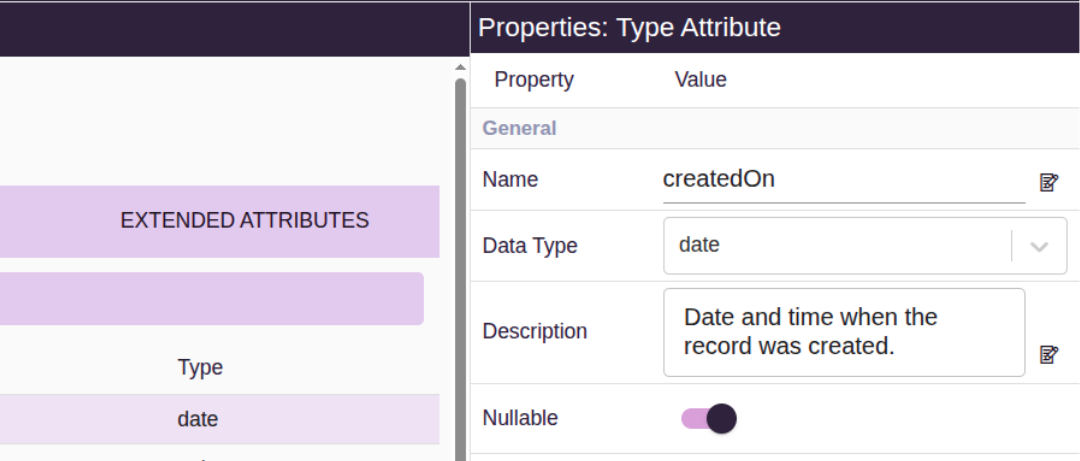
Entity attributes
Define the attributes that describe each entity. Use attributes to represent fields such as names, identifiers, dates, statuses, amounts, references, and other business data.

Entity relationships
Define how entities relate to one another — such as a customer to their orders — by adding a relationship on the parent entity's Relationships tab. Related entities generate JOIN queries automatically when the manifest is exported.

Entity Version History
Negroni keeps a version history for every entity, capturing a full snapshot of its attributes, relationships, and metadata each time it changes. Review past versions, or roll back automatically if the active version is removed.