
.png)
Authentication & access management
Control who can access your Bellini applications, pages, and secured APIs. Enable authentication, use Lonti SSO, configure page access, apply OAuth 2.0 scopes, and connect to enterprise identity providers.
Bellini helps developers build applications that fit the security model of the organization.


Enable or disable authentication
Choose whether an application requires users to sign in. Enable authentication for secured business applications, or leave it disabled when an application or page is intended to be public.
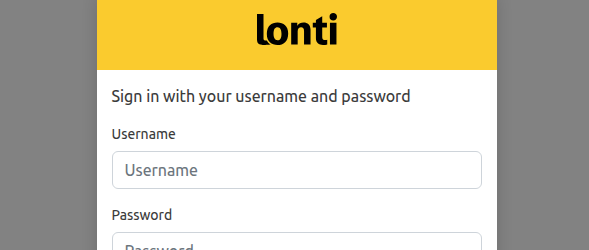
Lonti SSO
Use Lonti SSO to authenticate users before they access secured Bellini applications and APIs. Give users a consistent sign-in experience across Lonti products and applications.
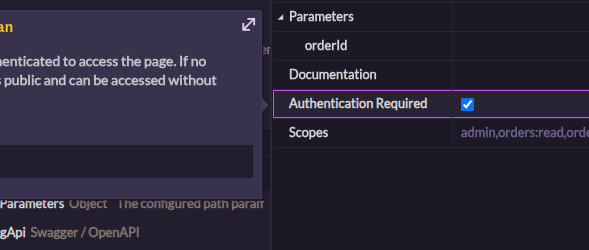
Public and private pages
Control access at the page level. Make selected pages public when they should be available without authentication, or private when they should only be available to signed-in users.

OAuth 2.0 scopes
Restrict page access using OAuth 2.0 scopes. Require matching scopes before users can access specific pages or perform protected actions.
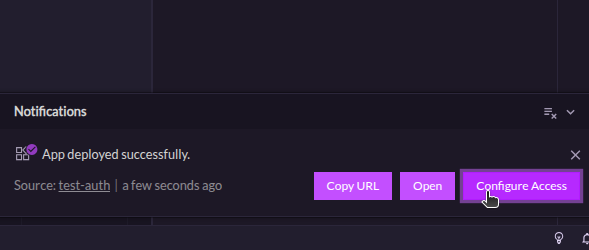
User access configuration
Configure which users can access a deployed application from Lonti Console. Manage access after deployment without changing the application itself.

OIDC-compatible identity providers
Connect Bellini applications to OIDC-compatible directory servers such as Microsoft Entra ID, Okta, Google Workspace, Salesforce, or Ping Identity. Use your existing identity provider while keeping the Bellini application experience seamless for users.