
.png)
Core UI components
Build application interfaces faster with Bellini’s built-in UI components. Use ready-made components for forms, navigation, feedback, data display, charts, maps, calendars, tables, and large lists.
Bellini gives developers the building blocks needed for enterprise applications, while still allowing components to be configured, styled, bound to data, and extended when required.

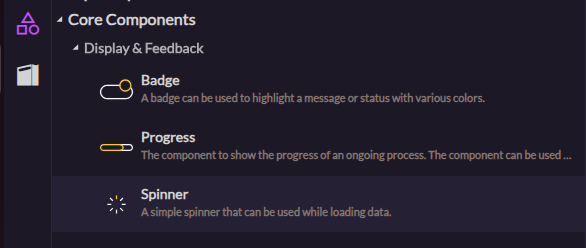
Display and feedback components
Show status, progress, loading states, and user feedback with built-in display components. Use badges, progress indicators, spinners, and other components to keep users informed as they interact with the application.
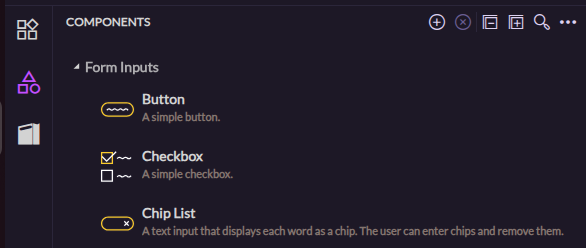
Form input components
Capture user input with ready-made form components. Add checkboxes, dropdowns, date and time pickers, file inputs, radio buttons, sliders, toggles, text inputs, rich text editors, and other controls without building them from scratch.
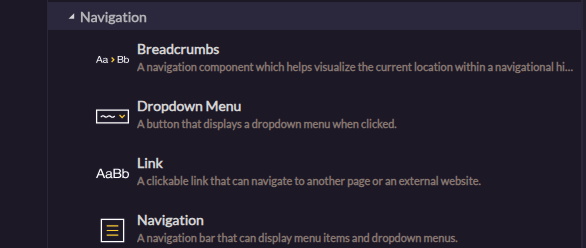
Navigation components
Help users move through applications with built-in navigation components. Add buttons, links, menus, breadcrumbs, navigation bars, and tab bars to create clear paths through each application.

Data visualization components
Present data in visual and interactive ways. Use Bellini’s data visualization components to show charts, calendars, maps, tables, lists, and other views that help users understand and act on information.
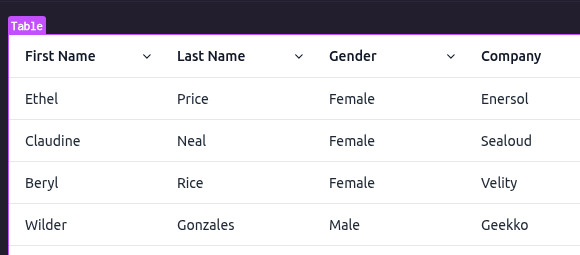
Tables
Display, edit, and work with structured data using table components. Use tables for records, operational data, admin screens, reports, and other data-heavy application views.

Charts
Turn data into visual insights with chart components. Build dashboards, reports, and analytical views that help users understand trends, comparisons, and performance at a glance.
Lists
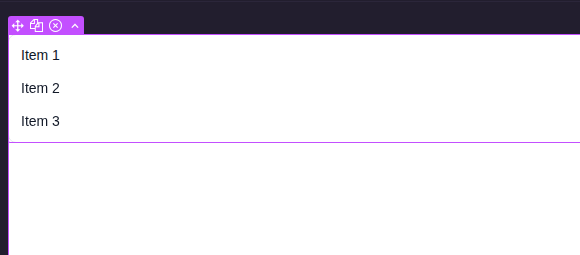
Display collections of data using list components. Use lists for simple sets of values, records, search results, activity feeds, and other repeated content.
Maps
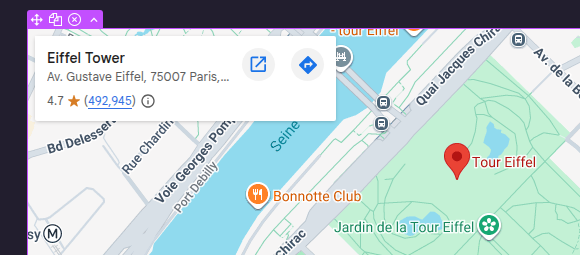
Add map views to applications when location matters. Use maps to show places, assets, service areas, delivery points, or other geographic information.
Calendars
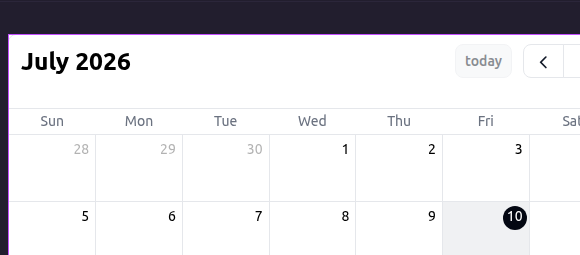
Display dates, schedules, events, and time-based information with calendar components. Use calendars in dashboards, booking tools, planning screens, and operational applications.
Virtualized lists
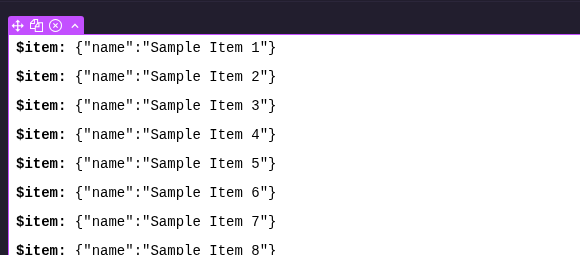
Render very large lists efficiently with virtualized list components. Use lazy loading to keep interfaces responsive when applications need to display large volumes of data.