
.png)
Theming & styling
Create applications that match your product, brand, and user experience standards. Use Bellini themes, component styling, visual style controls, CSS, and external stylesheets to shape how applications look and feel.
Bellini gives developers fast styling tools for common changes, with CSS-level control when an application needs more precision.


Application themes
Define themes for the entire application. Use application themes to control the visual foundation of the interface, including shared styling choices that apply across pages and components.

Component styling
Style individual components to match the interface you are building. Adjust appearance through visual styling options, component settings, and CSS when deeper control is required.

Desktop and mobile themes
Use different themes for desktop and mobile experiences. Tailor the look and feel of each application to the device and context where users will access it.
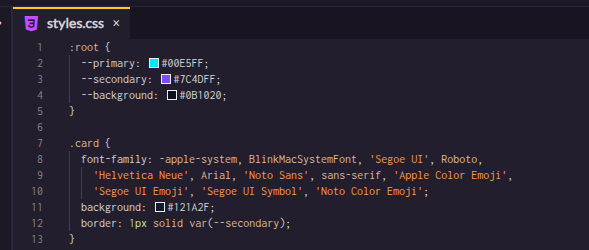
CSS editor
Write and manage CSS directly in Bellini. Use the CSS editor when visual styling options are not enough or when developers need precise control over layout, behavior, or presentation.

External CSS
Load external CSS libraries or stylesheets into Bellini applications and components. Reuse existing design systems, utility classes, or third-party styles instead of starting from a blank slate.
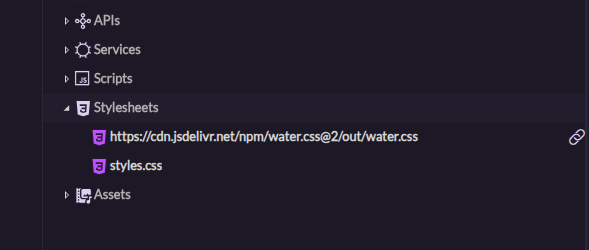
Custom stylesheets
Add custom stylesheets to applications or components. Keep styling organized, reusable, and separate from application logic where that makes sense.
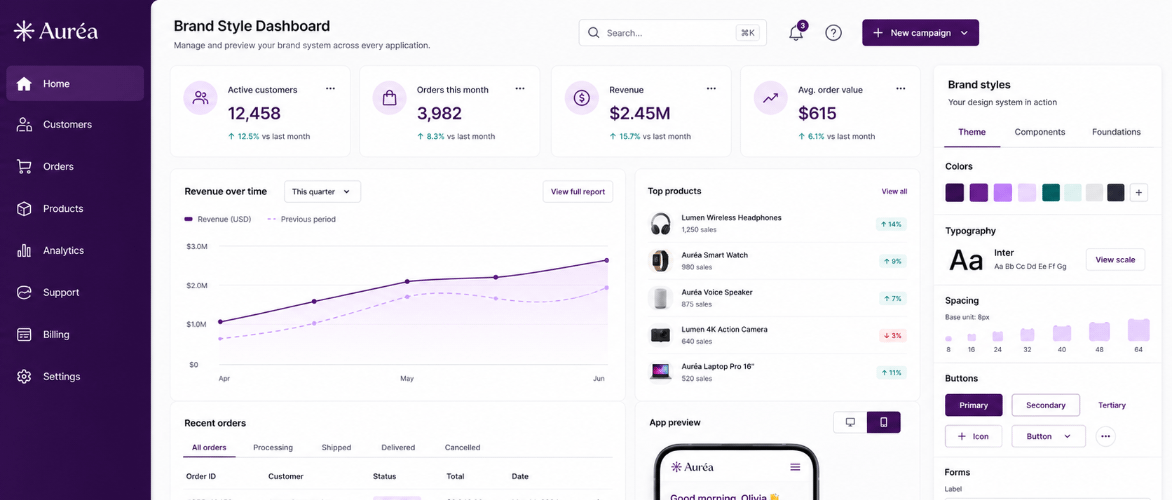
Brand styling
Apply brand styling across your applications. Use themes, stylesheets, and component styling to keep colors, spacing, typography, and interface patterns consistent.